Banura Keynote Template: A Practical Design System for Professional Presentations
Creating presentations that hold attention and communicate clearly is a skill that depends heavily on the tools you use. For anyone who regularly builds slide decks—whether for client pitches, internal training, conference talks, or marketing webinars—the underlying template can determine how much time you spend on formatting versus content. Banura - Keynote Template positions itself as a comprehensive design system built to reduce that friction while maintaining a polished, cohesive look. After working through its structure and components, it becomes clear that this template is worth evaluating if you value both efficiency and visual consistency.
What Banura Keynote Template Offers
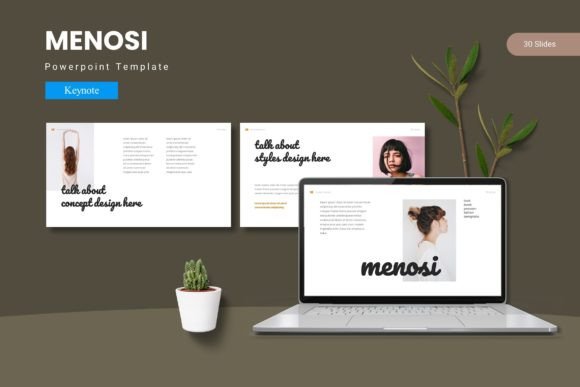
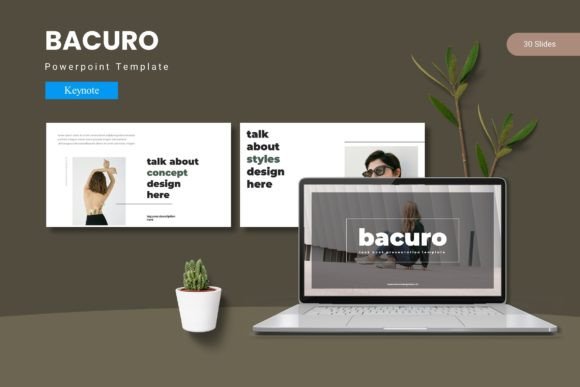
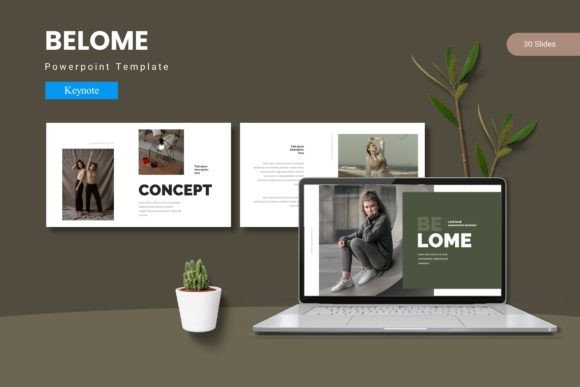
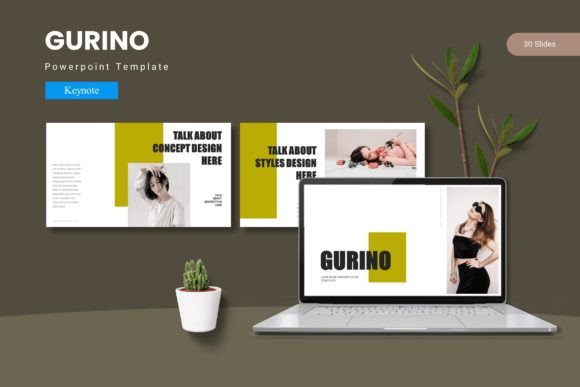
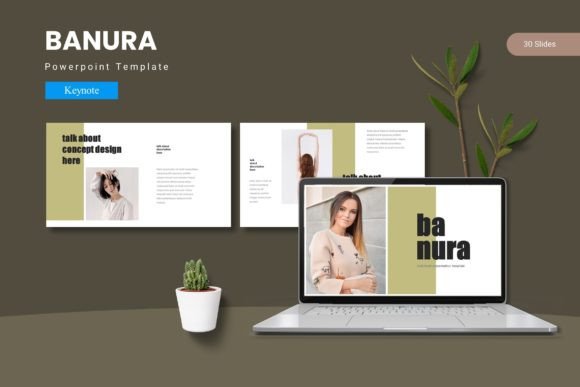
At its core, Banura is a Keynote template with 150 total slides distributed across five distinct color variations. Each color scheme includes 30 slides, giving you a full deck’s worth of layouts without needing to mix and match across different styles. The template relies on Master Slides, which means you make global changes to fonts, colors, or spacing and see those updates reflected across the entire presentation. This is a significant time-saver compared to manually adjusting each slide.
The template includes section break slides, handcrafted infographics, and dedicated portfolio and gallery slides. All graphic elements are resizable and editable, and picture placeholders allow drag-and-drop image insertion. These features prioritize flexibility, so you are not locked into rigid layouts that force your content into awkward formats. The file package also contains five Keynote items, the 30-slide decks per color, a readme file, and details on fonts and photo information.
Master Slide Architecture Saves Time
One of the most practical aspects of Banura is its reliance on master slides. When you need to adjust the brand color, update a heading font, or tweak bullet spacing, you do it once. This consistency reduces the odds of a disjointed visual experience where slide 12 looks different from slide 13 due to manual errors. For someone presenting to clients or stakeholders, that uniformity builds trust and makes your content feel intentional.
Five Color Variations Reduce Redundancy
Having five premade color schemes means you can choose a palette that fits your brand, event, or industry without starting from scratch. Each scheme includes 30 slides, so you are not stuck with only a few layouts repeated across a dozen slides. If you present regularly to different audiences or on different topics, you can maintain a consistent structural approach while varying the look per project. This is more efficient than building a new deck from a blank canvas each time.
Editable Graphics and Infographics
Many templates use raster graphics that pixelate when resized or cannot be recolored. Banura provides pixel-perfect, editable illustrations that scale cleanly. The handcrafted infographic elements are especially useful if you present data-driven content. Instead of creating charts or visual metaphors from scratch, you can adapt the built-in graphics to represent your numbers or processes. For freelancers and small business owners who may not have a design team, this feature lowers the barrier to creating professional-looking slides.
Drag-and-Drop Picture Placeholders
If you use photography heavily—product shots, team headshots, location images—the picture placeholders streamline image insertion. You drag an image onto the placeholder, and it automatically masks and positions itself within the slide layout. This prevents the common frustration of images spilling over text boxes or needing manual cropping. For marketers and bloggers who produce visual content frequently, this workflow improvement alone can save hours over the course of a project.
Entrepreneurs and Small Business Owners
If you run a business and often pitch to investors, partners, or clients, Banura gives you a ready-made structure that communicates professionalism. The portfolio and gallery slides are particularly useful for showcasing work samples or product images. Since you can edit everything, you can align the template with your brand guidelines without needing advanced Keynote skills.
Marketers and Content Creators
Marketers who build presentations for webinars, sales meetings, or industry events will appreciate the variety of slide types. The section breaks help organize longer decks into digestible segments, which keeps audiences engaged. For creators who distribute slide decks as lead magnets or social content, the visual appeal of Banura can help your materials stand out in crowded feeds.
Educators and Trainers
Educators who design lecture slides or training modules benefit from the template's consistency. When every slide follows the same system, students can focus on content rather than deciphering shifting layouts. The infographics also allow you to illustrate concepts without relying on third-party images that may have licensing restrictions.
Freelancers and Consultants
Freelancers often work with multiple clients across different industries. Banura's five color schemes let you quickly tailor a deck per client without rebuilding your entire presentation architecture. The fact that all graphics are resizable and editable means you can adapt the template as your client's needs evolve over time.
Practical Considerations and Limitations
No template is perfect for every scenario, and Banura has a few trade-offs worth understanding. The template is built exclusively for Keynote. If you or your team work primarily in PowerPoint or Google Slides, you cannot use Banura directly without conversion, and some features may not transfer cleanly. This makes it ideal for Apple ecosystem users but less suitable for organizations that mandate Microsoft Office.
The 150-slide count might feel overwhelming at first. While the variety is a strength, it can also introduce decision fatigue if you are not sure which layout best fits a specific piece of content. Spending some time early on exploring the master slides and deleting the layouts you will not use can streamline your workflow.
Additionally, the template relies on external fonts and stock photos. The readme file includes font and photo information, but you will need to source or purchase those assets separately if they are not included in the package. This is standard for professional templates, but it is worth factoring into your setup time and budget.
Long-Term Value and Durability
Templates that depend on trend-driven design can feel dated after a year or two. Banura uses a clean, handcrafted aesthetic that leans toward timeless rather than trendy. The infographics and layout structures are based on established presentation principles—clear hierarchy, ample whitespace, and logical flow—so the template should remain effective for multiple years of use. Because all elements are editable, you can also refresh colors or typography later without replacing the entire template.
For professionals who present infrequently, a single purchase can cover dozens of decks over several years. For frequent presenters, the time saved on formatting alone quickly justifies the investment. The template essentially serves as a design foundation that you can reuse, adapt, and evolve.
How Banura Compares to Building from Scratch
If you have strong Keynote skills and a clear brand guide, you could theoretically build something similar on your own. However, the value of Banura lies in the speed and consistency it provides. Designing 150 slides with coherent layouts, multiple color schemes, and resizable graphics from scratch would take days or weeks. Even if you only use 30 to 40 slides per presentation, having the remaining layouts available for future projects changes how you approach deck creation. You spend less time on mechanics and more time on message.
For teams, the master slide structure also facilitates collaboration. If multiple people contribute slides to a shared deck, the template enforces a consistent visual language. This is particularly useful in agencies or departments where several stakeholders review and edit presentations.
Final Verdict on Banura Keynote Template
Banura - Keynote Template delivers exactly what a good presentation system should: structure without stifling creativity, variety without chaos, and efficiency without sacrificing quality. It is best suited for professionals who work in Keynote and need a reliable, flexible foundation for a wide range of presentation types. The five color schemes, editable graphics, and master slide architecture make it a practical choice for entrepreneurs, marketers, educators, and freelancers who want to elevate their presentations without becoming full-time designers.
If you are willing to invest a small amount of upfront time to familiarize yourself with the slide layouts and customize the colors to your brand, Banura can serve as a long-term asset that reduces your presentation workload and improves the visual impact of every deck you create.