Nomanos Google Slide Template: A Versatile Presentation Toolkit for Professional Results
Creating presentations that communicate effectively while maintaining visual polish is a challenge many professionals face regularly. Whether you are pitching to clients, presenting quarterly results, or building educational content, the quality of your slides often shapes how your message is received. The Nomanos Google Slide Template offers a structured yet flexible approach to presentation design, and its feature set deserves a closer look for anyone who regularly builds slide decks.
What Is Nomanos Google Slide Template?
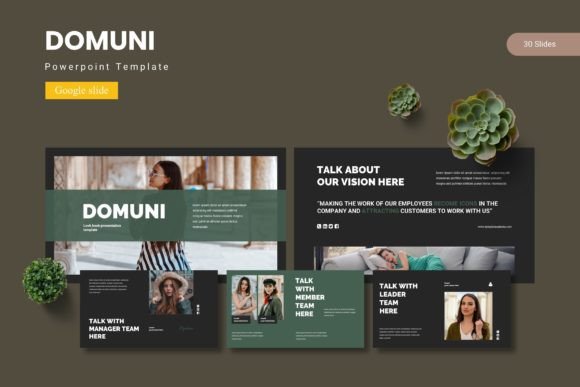
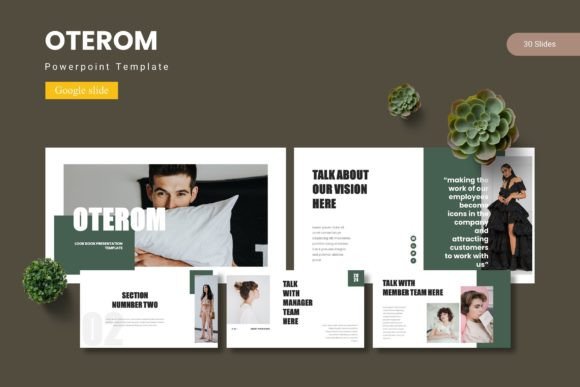
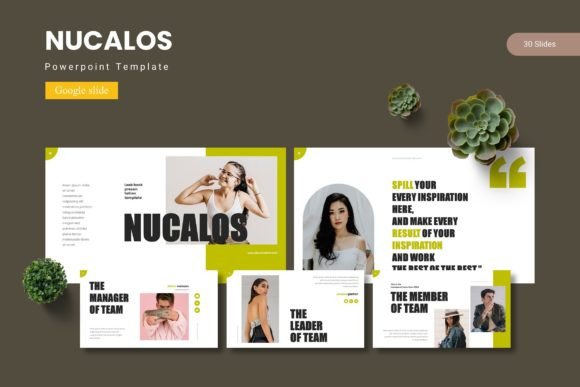
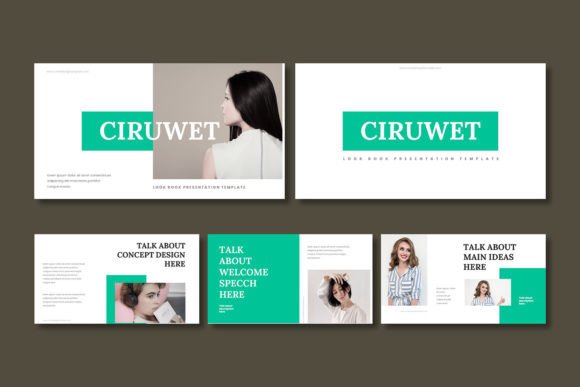
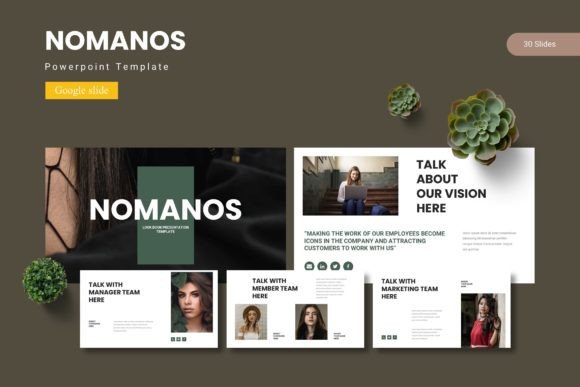
Nomanos is a presentation template built specifically for Google Slides, though it also includes PowerPoint compatibility. It provides 150 total slides organized across five premade color schemes, with 30 slides per template variant. The template is designed around master slides, handcrafted infographics, and pixel-perfect illustrations, all of which remain resizable and editable. It also includes section break slides, picture placeholders with drag-and-drop functionality, and dedicated gallery and portfolio slide layouts.
The template comes in five PPTX files and five Google Slides files, each representing a different color variation. A readme file and font information are also included to help users get started quickly. This structure makes Nomanos suitable for a wide range of use cases, from corporate presentations to creative portfolios.
Slide Volume and Variety
With 150 slides spread across five color schemes, Nomanos gives you 30 slides per template. This is a practical number for building a complete presentation without needing to reuse layouts excessively. You get enough variety to maintain visual interest across a 20- to 30-slide deck, and the extra slides allow you to pick and choose what fits your specific narrative. The inclusion of section break slides and portfolio-oriented layouts adds useful structure for longer or more content-rich presentations.
Master Slide Foundation
The template is built on master slides, which means changes made to the master layout can be applied consistently across all slides that inherit from it. This is a significant advantage for maintaining visual consistency, especially when working in a team where multiple people may be editing the same deck. Master-slide-based templates also make it easier to update branding elements like colors, fonts, and logos in one place rather than slide by slide.
Handcrafted Infographics
Infographics are often the weakest part of a DIY presentation. Nomanos includes built-in infographic elements that have been designed with care, meaning you can integrate data visuals without needing to create them from scratch. These infographics are resizable and editable, so you can adjust them to fit your actual data rather than being locked into placeholder visuals. For professionals who present metrics, timelines, or processes, this is a practical and time-saving feature.
Pixel-Perfect Illustrations and Resizable Graphics
The template emphasizes pixel-perfect illustrations, which translates to clean lines and consistent scaling. All graphics are resizable without losing quality, and they remain editable. This is important if you need to adjust visual elements to align with brand colors or specific messaging. The ability to edit illustrations directly within Google Slides or PowerPoint means you are not dependent on external design software for basic modifications.
Picture Placeholders and Drag-and-Drop
Image placeholders are included throughout the template, and they support drag-and-drop functionality. This simplifies the process of adding your own photos, screenshots, or graphics. Instead of manually positioning and cropping images, you can drop them into predefined frames that maintain consistent sizing and alignment. This is especially useful for portfolio presentations, product showcases, or any slide deck that relies heavily on visual content.
Usability and Workflow Integration
One of the practical advantages of Nomanos is that it works natively in Google Slides. For teams and individuals who already use Google Workspace, this eliminates the need to export and import files between platforms. You can start editing directly in your browser, collaborate in real time, and share the final presentation without compatibility issues. The PowerPoint files are a useful fallback for environments where Google Slides is not available, but the template is clearly optimized for Google Slides users.
The inclusion of five color variations is another workflow-friendly feature. Instead of manually tweaking a single template to match different brand palettes or presentation contexts, you can simply choose the color scheme that fits your needs. This is particularly useful for agencies or freelancers who work with multiple clients and need to quickly adapt presentations without rebuilding the visual foundation each time.
Editing the template is straightforward for anyone with basic familiarity with Google Slides or PowerPoint. Since the graphics and illustrations are vector-based and resizable, you can adjust them without worrying about distortion. The master slide structure means that global changes, such as updating a font or recoloring a theme, can be applied efficiently. For users who are less experienced with presentation design, the readme file and font information provide guidance that reduces the learning curve.
Professionals and Entrepreneurs
If you regularly present to stakeholders, clients, or investors, having a polished template saves time and ensures consistency. Nomanos gives you enough slide variety to build a narrative arc without repetitive layouts. The infographics and data visuals are useful for quarterly reviews, pitch decks, and strategy presentations.
Marketers and Content Creators
Marketers often need to create presentations for campaigns, webinars, or client proposals. The template's portfolio and gallery slides are well suited for showcasing work examples or case studies. The drag-and-drop image placeholders make it easy to swap in visuals without breaking the layout.
Educators and Trainers
For educators who build lecture slides or training materials, the section break slides and structured layouts help organize content into clear modules. The editable infographics are useful for explaining processes, timelines, or comparisons. The template provides a professional baseline that can be adapted for classroom or corporate training settings.
Freelancers and Small Business Owners
Freelancers and small business owners often lack dedicated design support. Having a template that is both professional and editable means you can produce high-quality presentations without outsourcing design work. The five color schemes allow you to reuse the same template for different clients or projects while maintaining visual variety.
Publishers and Bloggers
Bloggers and publishers who create slide decks for webinars, guest speaking engagements, or content upgrades can benefit from the polished look and structured layouts. The template helps ensure that your visual presentation matches the quality of your written content.
Practical Considerations and Possible Limitations
No template is perfect for every situation, and Nomanos has a few considerations worth noting. First, while 150 slides sounds extensive, it is split across five color schemes, meaning each scheme includes 30 slides. For very long presentations or complex decks, you may need to reuse certain layouts more often than you would like. However, for most standard presentations, 30 unique slides per scheme is sufficient to maintain variety.
Second, the template is designed primarily for Google Slides, and the PowerPoint files may not retain all the same master slide behavior or editing flexibility. If your workflow is PowerPoint-only, you should test the compatibility with your specific version of the software before committing. Users in hybrid environments who switch between Google Slides and PowerPoint may need to make minor adjustments when moving between platforms.
Third, the template includes handcrafted infographics, but these are still prebuilt visuals. If you need highly custom or data-specific infographics, you may need to modify them further or supplement them with your own visualizations. The template provides a strong foundation, but it does not eliminate the need for custom data work in every case.
Finally, the font information is provided separately, meaning you may need to install fonts manually if they are not included in the Google Slides default library. This is a minor step but something to be aware of if you are working in a shared environment where font installation may be restricted.
Long-Term Value and Effectiveness
One of the strongest arguments for the Nomanos Google Slide Template is its reusability. Because it includes five color schemes and editable master slides, you can use it across multiple projects without the presentation looking repetitive. For professionals who create presentations regularly, this reduces the time spent on formatting and design while maintaining a consistent quality level.
The template also supports brand consistency. If you set your brand colors, fonts, and logo on the master slide, they will propagate across all slides in that scheme. Over time, this creates a library of presentation assets that align with your visual identity. For teams, this consistency is valuable for maintaining a unified look across multiple presenters and departments.
From an effectiveness standpoint, the template helps you focus on content rather than layout. When the visual structure is already solid, you can spend more time refining your message, data, and narrative flow. This is the core value of any good presentation template and Nomanos delivers on that promise with a well-rounded feature set.
Final Assessment
Nomanos Google Slide Template is a practical and well-built presentation toolkit that balances slide volume, visual variety, and editing flexibility. Its 150 slides across five color schemes give you room to build complete decks without repeating layouts, and the master slide foundation ensures consistency with minimal effort. The handcrafted infographics, resizable illustrations, and drag-and-drop image placeholders add real utility for professionals who need to move quickly without sacrificing quality. It is especially well suited for marketers, entrepreneurs, educators, freelancers, and small business owners who work within Google Slides or need a dependable template for recurring presentations. While it has minor limitations around PowerPoint compatibility and the need for manual font installation, these are manageable trade-offs for the range of features included. If you are looking for a versatile Google Slide template that supports both structured content and creative flexibility, Nomanos is a solid choice worth considering.