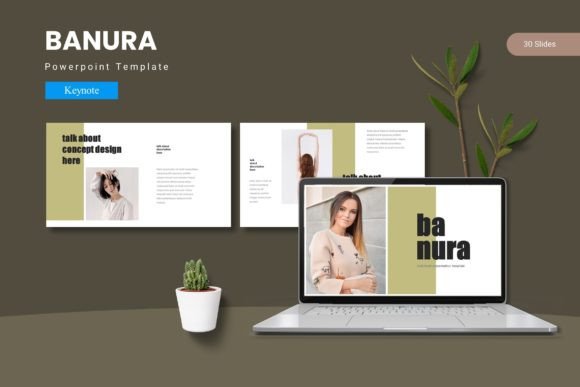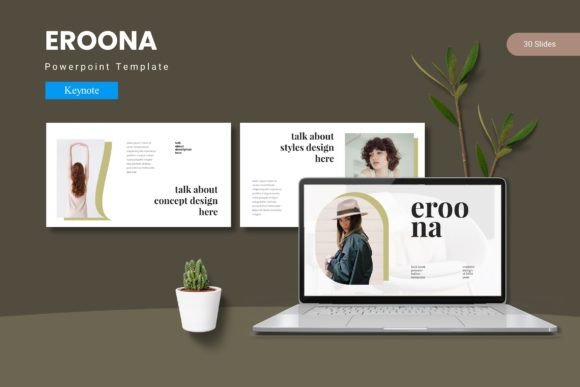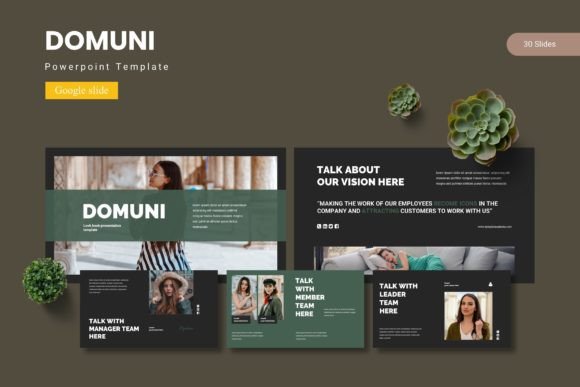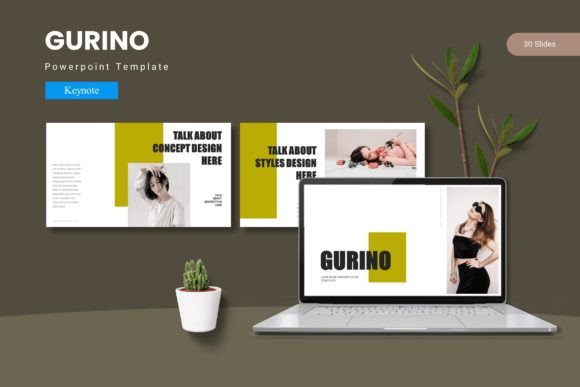
Glonira Keynote Template: A Practical Slide Toolkit for Real Presentations
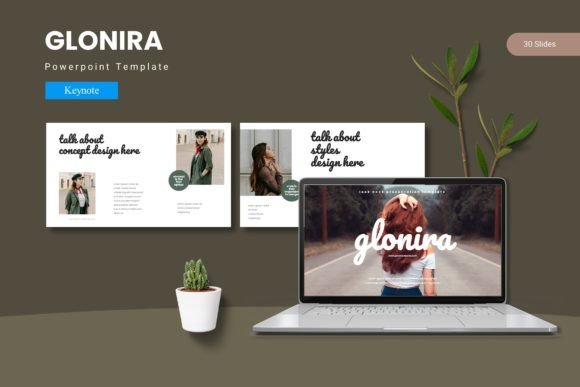
If you have ever stared at a blank slide deck wondering how to make your content look polished without spending hours on design, you already know how much a good template matters. Glonira Keynote Template is a presentation toolkit built for people who need to put together slides that actually look professional, organized, and visually coherent. It gives you 150 slides across five color variations, each set containing 30 slides that follow a consistent structure. Instead of starting from scratch, you drop your content into layouts that already work.
This template is designed for Keynote users who want more than a basic white background with bullet points. It includes section break slides, infographic elements, picture placeholders, portfolio layouts, and master slides that keep your formatting consistent. Everything is resizable and editable, so you are not stuck with rigid graphics that break when you try to adjust them. The file comes with five Keynote items, each containing 30 slides, plus a folder with color schemes, font information, and a readme file to help you get started quickly.
Where Glonira Fits Into Real Presentation Workflows
Most people do not buy a Keynote template just because it looks nice. They buy it because they have a specific presentation coming up and they want to look prepared. Glonira works across a wide range of scenarios because it balances structure with flexibility. The five color variations mean you can pick a palette that matches your brand or the tone of your event without having to manually recolor every slide.
For a marketing professional preparing a quarterly review, the infographic slides become a quick way to visualize data without jumping into a separate design tool. For a freelancer pitching services to a potential client, the portfolio and gallery slides allow you to showcase work samples in a clean layout that keeps the focus on the content. The section break slides help you transition between topics smoothly, which is especially useful when you are presenting to an audience that needs to follow a clear narrative.
Entrepreneurs and Small Business Owners
If you run a small business, you likely wear many hats. Creating a presentation from scratch might fall to the bottom of your priority list until the last minute. Glonira helps you produce something that looks intentional even when you are short on time. The drag-and-drop picture placeholders make it easy to add product photos, team headshots, or location images without worrying about alignment or cropping issues.
Imagine you are preparing a pitch for a local investor meeting. You need slides that cover your business model, market opportunity, financial projections, and team background. With this template, you can use the infographic layouts to present your revenue breakdown visually, the portfolio slides to highlight past projects, and the section breaks to move from one part of your story to the next. The fact that the graphics are pixel-perfect and resizable means your slides remain crisp whether you present on a laptop screen or a large projector.
Educators and Trainers
Teachers, workshop facilitators, and corporate trainers often need to present information that is structured but not monotonous. Students and participants respond better when slides include visual variety, but creating custom graphics for every lesson is unrealistic. Glonira gives you a library of handcrafted infographics and layout options that make your content more digestible.
For a training session on project management, for example, you might need slides for an agenda, key concepts, a case study, a group activity, and a summary. The template lets you maintain visual consistency across all these sections while varying the layout enough to keep attention. The master slides ensure that your fonts and colors stay uniform, so you are not accidentally mixing font sizes or applying inconsistent heading styles as you build your deck.
Creative Professionals and Freelancers
Designers, photographers, writers, and other creative freelancers often rely on their portfolio to win new work. A well-structured portfolio presentation can make the difference between a client understanding your style and them scrolling past your work without a second thought. Glonira includes gallery and portfolio slides that put your visuals front and center without unnecessary clutter.
A wedding photographer preparing for a client meeting could use the portfolio slides to show a curated selection of images from past events. The picture placeholders handle different image orientations, so you can mix landscape and portrait shots without breaking the layout. The five color variations let you choose a palette that complements your photography style, whether that is warm tones, neutral tones, or something more vibrant. The section break slides also give you a natural pause between different parts of your presentation, such as introductions, portfolios, packages, and contact information.
Bloggers and Content Creators
If you create content for a living, you might need slides for webinars, sponsored talks, or collaborations with brands. Audiences expect a certain level of polish, especially when you are representing your personal brand in front of a live audience. Glonira helps you produce presentations that feel cohesive without requiring advanced design skills.
Consider a lifestyle blogger asked to speak at a conference about building an audience. You will likely need slides to outline your journey, share growth metrics, highlight key strategies, and include a call to action. The infographic layouts allow you to present numbers like follower growth or engagement rates in a way that feels visual rather than spreadsheet-like. The color consistency across slides helps your presentation feel like a single narrative rather than a collection of different slides thrown together.
What to Consider Before Using Glonira
While Glonira is designed to be user-friendly, there are a few things worth thinking about before you start building your presentation. First, this template is built specifically for Keynote. If you use PowerPoint or Google Slides, you will not get the full functionality. The file includes Keynote format only, so check that you have access to the software before purchasing.
Second, the template comes with five color schemes already created, but you can customize them further if needed. The readme file included in the folder explains how fonts and colors are structured, which is helpful if you want to match your brand guidelines. The fonts used are not embedded in the template, so you need to have them installed or choose similar alternatives. The information file tells you exactly which fonts are used, so you can download them ahead of time.
Planning Your Slide Structure
Because Glonira offers 150 slides spread across color variations, it can be tempting to use too many slides in a single presentation. A common mistake is to fill every layout option just because it is available. Instead, think about the flow of your presentation first. Choose the layouts that support your message rather than trying to showcase every design option in one deck.
If you are presenting to a busy audience, fewer slides with clear visuals often work better than a long deck with lots of transitions. The section break slides are especially useful for longer presentations where you need to reset attention between topics. For shorter presentations, you might skip the section breaks entirely and use the content slides more directly.
Connecting Features to Real Outcomes
The handcrafted infographics in Glonira are not just decorative. They give you a way to communicate complex information quickly. If you need to show a process, a comparison, or a timeline, the infographic layouts save you from building those visuals from scratch. The pixel-perfect illustrations ensure that your slides look clean even when projected at high resolution.
The drag-and-drop picture placeholders are another feature that saves time. Instead of resizing images manually and hoping they fit, you drop a photo into the designated area and the layout handles the rest. This is particularly useful when you are working with a large number of images, such as in a portfolio or product showcase. It reduces the chance of misaligned images or distorted aspect ratios that can make a presentation look unprofessional.
Master Slides and Consistency
One of the most practical benefits of Glonira is the use of master slides. When you change a font, color, or background on a master slide, it applies across all slides that use that master. This means you can make global adjustments without editing each slide individually. For someone presenting to multiple audiences or tweaking a deck for different clients, this feature saves a significant amount of time.
A real estate agent putting together property presentations for different listings, for example, could use the same template structure with minimal adjustments. Swap out images, update property details, and change the color scheme to match the branding of each property. The master slides keep the layout intact while you focus on content.
Practical Tips for Getting the Most Out of Glonira
Before you start, open the readme file and review the font and color information. Knowing what fonts are used and where the color swatches are stored will save you from digging through menus later. If you plan to customize the template heavily, make a duplicate of the original file first so you always have a clean version to fall back on.
Consider the setting where you will present. If you are presenting on a large screen, test your slides in advance to make sure text is readable from a distance. The template includes a variety of text sizes and layouts, but your specific content might require adjustments. Also, if you are presenting online, simplify your slides further since screen sharing can reduce clarity.
Finally, use the color variations deliberately. Each color scheme sets a different tone. Neutral tones work well for corporate presentations, while brighter palettes suit creative pitches or educational settings. Match your color choice to the mood you want to convey rather than picking a color just because it looks nice on its own.
Glonira Keynote Template is a practical tool for anyone who needs to create presentations that look intentional and professional. Whether you are a business owner preparing a pitch, a teacher structuring a workshop, a freelancer showcasing your portfolio, or a content creator speaking at an event, the template gives you a foundation that saves time and improves visual consistency. The real value is not in having 150 slides to choose from, but in having the right layouts available when you need them most.